
 AI Search Engine
 AI Image Generator
 AI Youtube Analyzer
 Whatsapp Integration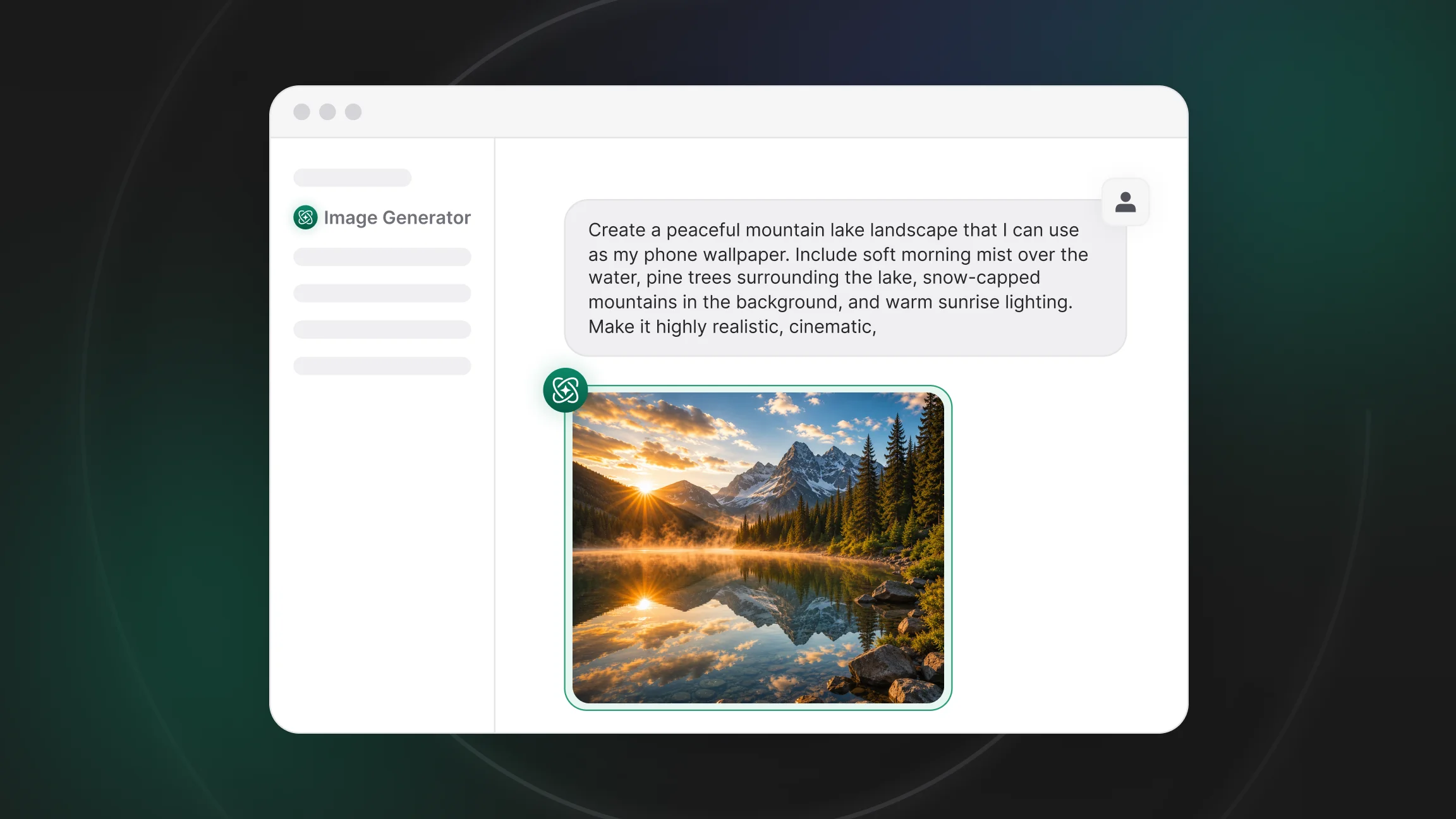
What Happens When a Text Prompt Becomes an Image?
When a prompt is entered, the system does not search for an existing picture that matches the words. The text is first processed and converted into a numerical representation of its meaning, capturing the objects, actions, and descriptive details it contains. This is what separates a text-to-image AI generator from a simple image search: the output is generated, not retrieved. That representation is then compared against the visual patterns the model already associates with similar language, so a phrase like "a red bicycle against a brick wall" is immediately linked to shapes, colors, and compositions the model has encountered before, rather than being interpreted from scratch.
Where Does an AI Learn What Objects and Styles Look Like?
Before it can respond to any prompt, an image generation model is trained on large datasets pairing millions of images with text descriptions. During training, it gradually builds associations between specific words and the visual features that tend to accompany them, learning how colors, textures, and shapes typically relate to the concepts they describe. A model such as Nano Banana, the image generation model behind Google's Gemini, is built on this same principle, learning from paired image and text data rather than from any single labeled example. This is why an AI image generator does not create from nothing. It produces new combinations of patterns it has already learned, which is also why unusual or very specific requests can sometimes return a result that only partially matches what was intended.
From Random Noise to a Finished Picture
Most modern image generators rely on a technique called diffusion. Generation starts with a field of random visual noise, similar to static on an old television screen, and the model removes portions of that noise across a series of steps, with each step shaped by the meaning of the prompt. The image becomes progressively more defined with every step, moving from a formless pattern toward a coherent picture that reflects the requested subject, style, and composition. Technology built around this approach, including Stable Diffusion, one of the more widely referenced systems in this category, follows this same logic of refining noise into structure rather than assembling an image from separate, pre-made parts.
The same underlying process shows up across different chat apps, even when the interface looks different. ChatGPT, built on OpenAI's models, including earlier tools such as DALL·E, applies this diffusion-based approach within its own chat interface, converting a written description into an image that can then be adjusted through further messages rather than through a separate editing step. Grok, developed by xAI, includes a comparable feature built directly into its own chat interface, and its underlying model follows the same general principle of converting a text prompt into a visual output. The core mechanics stay consistent from one chat-based image generation tool to the next, even though the available options and interface differ.
Why Prompt Quality Directly Affects Results
The specificity of a prompt has a direct effect on how closely the result matches what was intended. A prompt naming only a general subject produces a generic result, since the model has to fill in every unspecified detail on its own, while a prompt that also describes the style, lighting, color palette, and framing gives the model far more to work with. This holds true whether the tool is described as a text-to-image AI generator or simply as an AI image generator built into a chat app. The same principle applies to any writing task: tools like an AI Writer, which produce better drafts from clearer instructions, rely on the same relationship between input detail and output quality that applies directly to image prompts.
Can You Use an AI Image Generator Every Day?
There is no technical limit that prevents daily use, and a growing number of AI image generation tools are already built around this kind of recurring task. Content creators generate AI images for social posts and blog headers on a regular schedule rather than as a one-off request, and anyone managing a brand can rely on repeated generation to explore several concept directions before settling on one. This kind of routine use tends to work best when the same visual identity needs to stay consistent across many outputs. A tool such as a Logo Designer builds on this same underlying process to produce a steady stream of visual concepts for ongoing branding needs, and the more a prompt style is reused and refined, the more predictable the daily output becomes.
What Are the Limits of AI Image Generation?
Even with a detailed prompt, AI image generators have consistent limitations. Instructions involving several interacting elements, unusual relationships between objects, or precise spatial arrangements are harder to render accurately, since these situations appear less often in training data than simpler scenes. A prompt asking for a specific number of objects arranged in an exact configuration, for example, is more likely to produce an approximate result than an exact one, since counting and precise spatial placement are not things diffusion models handle natively. Outputs also reflect the patterns present in the training data itself, so rare, highly specialized, or entirely novel ideas may be interpreted loosely rather than rendered exactly as described, a pattern common to generative AI images in general rather than something specific to any one tool. These are structural limitations of how the technology works rather than occasional errors, and they tend to become more noticeable as a prompt combines several uncommon requirements at once.
Using Chat & Ask AI's Image Generator
For anyone already using a chat app for writing, research, or everyday questions, generating an image in the same conversation removes the need to open a separate application. Chat & Ask AI's AI Image Generator makes it possible to generate AI images directly inside a conversation and refine them through follow-up messages, adjusting style, composition, or detail without starting the process over. Understanding how AI image generators work is a useful first step before applying that process to real prompts.
Join Chat & Ask AI for free and put what you now know about how AI image generators work into practice on your own prompts.

