Writing and Content Creation
Gemini handles long form writing tasks with context awareness across the full session. Articles, structured documents, and multi section drafts benefit from Gemini's ability to hold tone and reference earlier material across extended inputs. The AI Writer handles drafting directly within a single interface, working with research material gathered from either system.
Copilot fits writing tasks that happen inside Microsoft 365 apps. Drafting emails in Outlook, generating document sections in Word, and summarizing meeting notes in Teams are all native use cases where Copilot's tight app integration reduces friction. For writing that lives outside the Microsoft ecosystem, Gemini's broader context handling covers more ground.
Coding and Technical Tasks
Copilot is purpose-built for developer workflows. Inline code completions, refactoring suggestions, test generation, and debugging hints within IDEs like VS Code are Copilot's primary coding use cases. Its responses are concise and action-oriented, delivering a working suggestion rather than a lengthy explanation. The AI Chat PDF handles a related use case, working through technical documentation and reference files that inform both research and coding tasks.
Gemini contributes to coding workflows that involve architecture level reasoning, cross file explanations, or code that connects to broader document context. For tasks where understanding the reasoning behind a solution matters as much as the solution itself, Gemini's explanatory style and large-context retention add depth that inline completion tools are not designed for.
Research and Web Answers
Gemini suits research tasks that involve long documents or multi source synthesis within a single session. Its large context window allows full reports and briefings to be processed without splitting them, with responses that adapt across task switches. The AI Search Engine extends this further, pulling answers from multiple live web sources when current information is needed alongside document-level analysis.
Copilot handles research tasks that are documentation adjacent, surfacing quick facts, summarizing files already open in a Microsoft app, and retrieving code related references efficiently. For research that goes beyond the immediate file or app context, Gemini's broader retrieval and synthesis capabilities handle more complex queries.
Using Gemini and Copilot Through Chat & Ask AI
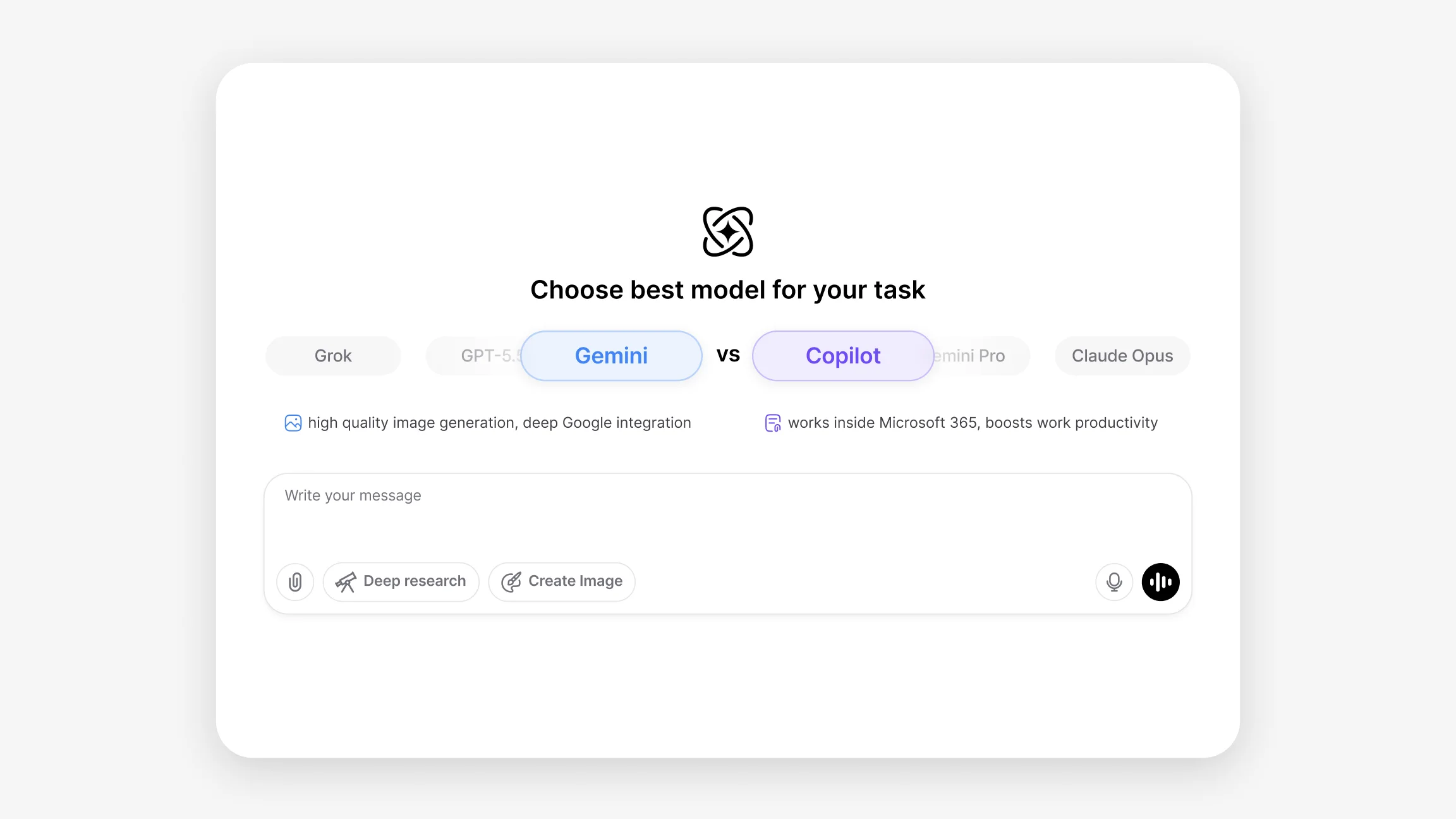
Chat & Ask AI brings Gemini into the same interface alongside every other leading AI model, so workflows that benefit from Gemini's large context multimodal handling are accessible without switching platforms. Gemini 3.1 Pro and Gemini 3.5 Flash are available within the same workspace, and Chat & Ask AI itself handles text, images, documents, and voice within a single session. Access Gemini and other leading models together through Chat & Ask AI and compare how each one fits your own writing, research, and coding workflows.
Gemini vs Copilot reflects a difference in workflow scope. Gemini fits tasks that need large context document handling, multimodal input processing, and adaptive long-form content work. Copilot fits tasks that need tight app integration, inline code assistance, and productivity focused suggestions within Microsoft 365 and developer toolchains.

 AI Search Engine
 AI Image Generator
 AI Youtube Analyzer
 Whatsapp Integration