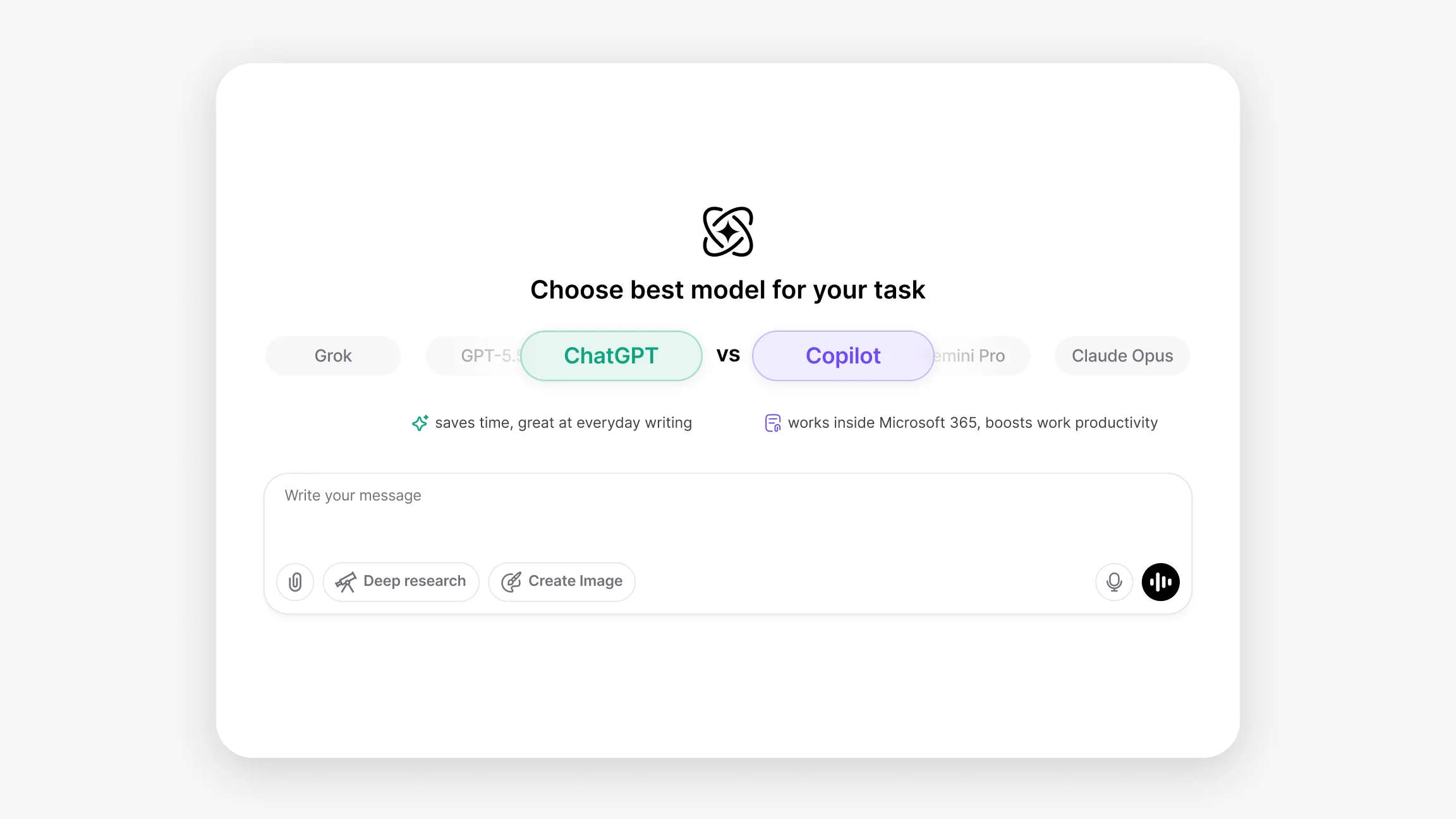
ChatGPT vs Copilot: Feature Comparison for AI Workflows

ChatGPT vs Copilot covers two systems built around different workflow contexts. ChatGPT focuses on conversational multi-turn reasoning, structured outputs, and flexible task handling across writing, coding, and research. Copilot focuses on productivity inside Microsoft 365 applications and inline code assistance within developer toolchains.

Date June 30, 2026 · Emily Harrison

Understanding the Differences Between ChatGPT and Copilot

ChatGPT, built on OpenAI's GPT-5 model series, is designed for structured conversational workflows. It maintains context across turns, handles multi-step reasoning, and produces organized outputs suited to drafting, debugging, research, and sustained productivity tasks. The OpenAI technology page covers how the GPT-5 series handles agentic task execution, structured reasoning, and broad integration across productivity and development workflows.

Copilot, developed by Microsoft, is built for productivity inside Microsoft 365 applications and developer toolchains. It drafts and summarizes content within Word, Outlook, and Teams, generates inline code completions within IDEs, and automates repetitive patterns using context from open files and project structure. Copilot has no dedicated technology page, so an additional feature link is included below in place of a technology page reference.

Feature / Area ChatGPT (GPT-5) Copilot (M365 / GPT-5)
Primary Workflow Conversational, multi-turn reasoning and content creation. Inline, context-driven suggestions within Microsoft apps and dev environments.
Typical Use Cases Drafting articles, editing, brainstorming, step-by-step problem solving, research summaries. Code completion, snippet generation, document drafting, repetitive pattern automation.
Editor Integration Used via web, API, or editor plugins; multi-file context limited by prompt and session. Deep integration with IDEs, editors, and Microsoft 365 apps; uses open files and project context. Deep Workspace Fit
Response Format Explanatory text, structured lists, pseudocode, and example implementations. Code completions, whole function suggestions, comments, document edits. Inline Completion Leader
Research Scope Can summarize sources and provide structured explanations; citation quality depends on prompt. Focused on app and code relevance; not primarily built for web-scale citation workflows.
Debugging Offers reasoning about bugs, step-by-step diagnostics, and suggested fixes with explanations. Suggests inline code corrections and quick fixes based on local context.
Office Tasks Generates drafts, summaries, presentation text, and workflows via chat. Integrates directly with Microsoft 365 apps to assist with drafting, task-specific automation, and macros. M365 Ecosystem
Task Handling Strong at orchestrating multi-step workflows and creating detailed plans. Multi-Step Planner Strong at short-cycle tasks and context-driven generation inside apps.
Customization Flexible prompt-based control for varied outputs, templates, and voice-to-text scenarios. Prompt Native Customization through editor settings, snippet libraries, and project context.
File Analysis Works with uploaded files or pasted content for summaries and Q&A. Allows document and code file analysis and contextual suggestions within the app.
Local Context API and chat sessions rely on provided context and available integrations. Uses live project files, documents, and local editor context to inform suggestions. Local Aware
Best Match For Cross-disciplinary content, research, and multi-step problem solving. Productivity inside Microsoft apps, code generation, and rapid in-editor assistance.

Writing and Content Creation

ChatGPT is the stronger fit for writing tasks that require iterative development, style control, and organized long-form outputs. Drafts, revisions, style variations, and structured outlines all benefit from GPT-5's multi-turn context retention and consistent instruction-following across a sustained session. The AI Writer handles drafting directly within a single interface, working with material gathered from either system.

Copilot fits writing tasks that happen inside Microsoft 365 applications. Drafting emails in Outlook, generating document sections in Word, and summarizing meeting content in Teams are native use cases where Copilot's tight app integration reduces friction. For writing that lives outside the Microsoft ecosystem or requires extended multi-turn development, ChatGPT's broader conversational architecture covers more ground.

Coding and Technical Tasks

Copilot is purpose-built for live coding assistance. Inline completions, function scaffolding, boilerplate generation, and quick refactors all happen within the editor without interrupting the development flow. For repetitive coding tasks and rapid iteration inside an active coding session, Copilot's low-latency in-context suggestions fit the workflow directly. The AI Chat PDF handles a related use case, working through technical documentation and reference files that feed into both research and coding tasks.

ChatGPT handles coding tasks that require stepwise explanations, root cause analysis, and multi-turn debugging sessions where earlier context needs to stay in scope. For code review, architecture-level reasoning, and tasks where understanding the logic behind a solution matters alongside the solution itself, ChatGPT's conversational depth covers ground that inline completion tools are not designed for.

Research and Web Answers

ChatGPT suits research tasks that benefit from iterative exploration, structured synthesis, and organized summaries across a sustained session. For research that develops through follow-up prompts and builds toward a structured output, GPT-5's multi-turn architecture handles the sustained work reliably. The AI Search Engine complements both systems, pulling answers from multiple live web sources when current information is needed alongside document-level analysis.

Copilot handles research tasks that are documentation-adjacent, surfacing quick references, summarizing files already open in a Microsoft app, and retrieving code-related information efficiently from within the editor context. For research that goes beyond the immediate file or application scope, ChatGPT's broader reasoning capabilities handle more complex queries.

Using ChatGPT and Copilot Through Chat & Ask AI

Chat & Ask AI brings ChatGPT into the same interface alongside every other leading AI model, so workflows that benefit from GPT-5's structured conversational reasoning are accessible without switching platforms. GPT-5.5, GPT-5, and GPT-4o are all available within the same workspace, and Chat & Ask AI itself handles text, images, documents, and voice within a single session. Access ChatGPT and other leading models together through Chat & Ask AI and compare how each one fits your own writing, coding, and research workflows.

ChatGPT vs Copilot reflects a clear difference in workflow scope. ChatGPT fits tasks that need structured multi-turn reasoning, iterative refinement, and flexible outputs across writing, coding, and complex research. Copilot fits tasks that need tight Microsoft 365 integration, inline code assistance, and real time productivity support within an active application or coding session.


FAQ

Frequently Asked Questions

What is the difference between ChatGPT and Copilot?

ChatGPT, built on the GPT-5 family, emphasizes conversational reasoning, content drafting, and multi step workflows. Copilot, powered by GPT-5 models integrated with Microsoft systems, emphasizes in app and in editor assistance using local document and project context.

Is Copilot better than ChatGPT for Microsoft 365 tasks?

Copilot often fits workflows that run inside Microsoft apps because it integrates directly with Microsoft 365. ChatGPT is commonly used for broader document drafting and multi step editing across platforms. The appropriate choice depends on whether the workflow benefits from direct app integration or flexible conversational editing.

Is ChatGPT better than Copilot for writing?

ChatGPT is typically used for longer form writing, iterative edits, and structured explanations. Copilot can generate text inside documents, code comments, or templates and is tied to the app or development context in use.

Which tool is better for coding, ChatGPT or Copilot?

Copilot focuses on inline code suggestions and project aware completions. ChatGPT is useful for higher level planning, example implementations, and explanations. Both tools can support coding workflows at different stages.

How do ChatGPT and Copilot compare in research tasks?

ChatGPT often handles research summaries and multi source explanations more directly. Copilot concentrates on app content, code related evidence, and project files rather than web scale research summaries.

Does Copilot work inside Microsoft apps?

Yes. Copilot is designed to function within supported Microsoft 365 apps and development environments where integration is provided.

Which tool is more flexible, ChatGPT or Copilot?

ChatGPT generally offers more flexibility for cross domain tasks and conversational workflows. Copilot is more focused and optimized for productivity within Microsoft apps and editors.

How do ChatGPT and Copilot differ in response style?

ChatGPT responses tend to be explanatory and stepwise, suitable for multi turn interaction. Copilot responses are typically concise and aimed at fitting the surrounding document or code context.

Is Copilot mainly for workplace productivity?

Copilot targets productivity in Microsoft 365 workflows and development tasks inside supported apps. It is well suited to workplace productivity, especially when work is document, code, or automation focused.

Can both ChatGPT and Copilot analyze documents and files?

Both can analyze content within their supported integration limits. ChatGPT commonly analyzes text documents and uploaded files for summaries and Q&A. Copilot analyzes documents, code files, and project structures within the app context.