
 AI Search Engine
 AI Image Generator
 AI Youtube Analyzer
 Whatsapp Integration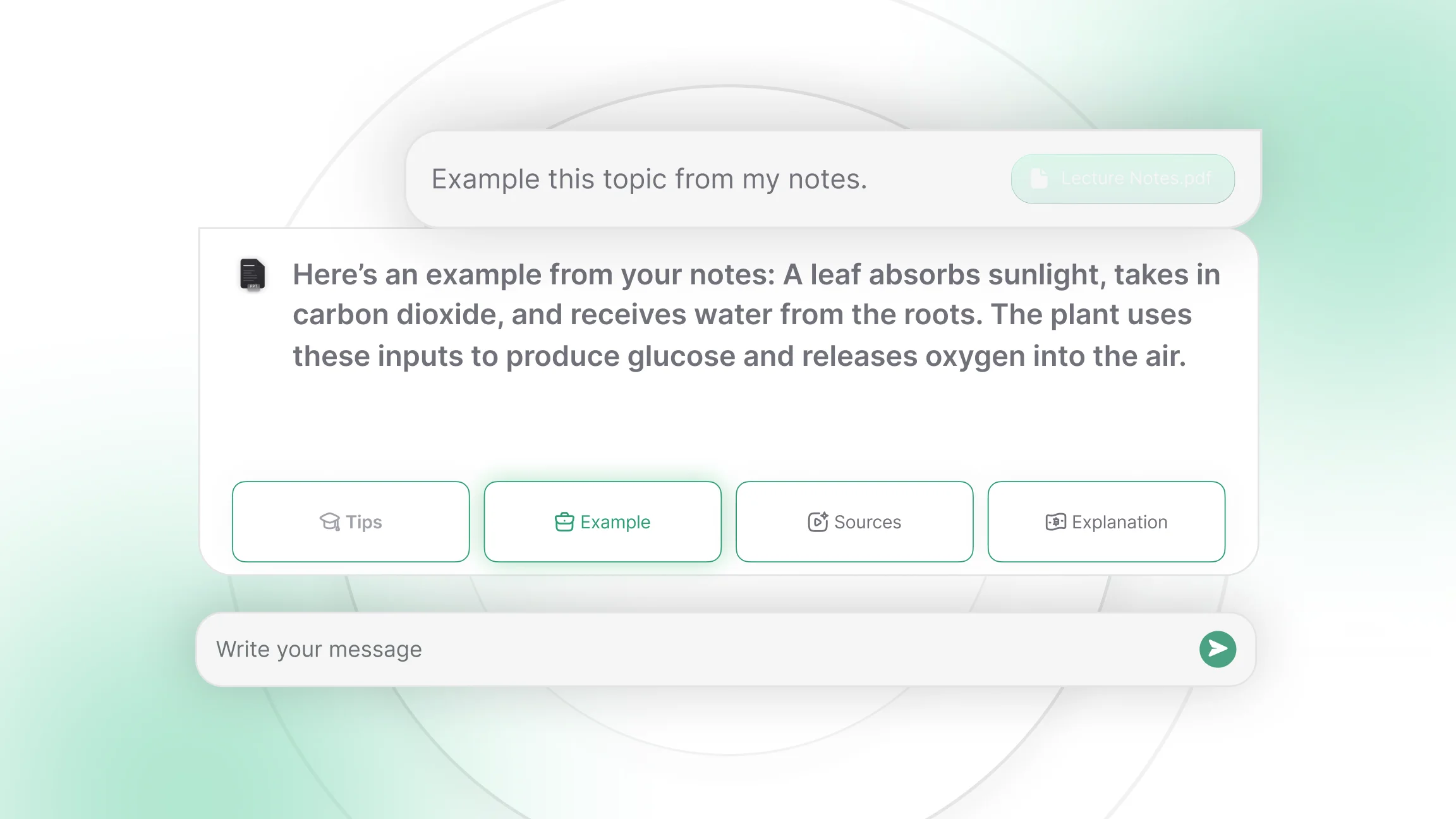
What Makes an AI Chat App Useful for Students?
An AI chat app is useful for studying when it works from your own material rather than from general knowledge alone. That single quality separates a tool that helps you revise from one that simply answers questions. When you upload your lecture slides or paste your reading list, the answers come from the syllabus you are actually being examined on.
Beyond that, four things matter in practice. The app should hold context across a conversation, so you can ask a follow-up without restating the whole problem. It should accept the file types you deal with, which for most students means PDFs, slides and the occasional spreadsheet. It should explain at whatever level you ask, since a first-year explanation and a revision-week explanation are different things. And it should let you test yourself, because reading an explanation and recalling it under pressure are separate skills.
Different tools support different learning habits, which is why popularity is a weak signal. A student who learns by writing needs something different from a student who learns by being questioned. Judge an app by whether it fits your workflow, not by how many people you know who use it.
Which AI Chat Apps Do Students Use for Studying and Writing?
The general-purpose assistants cover the widest range of academic tasks, and most students start here. They handle tutoring-style conversations, explanations, structured drafts and revision of written work.
Assistants built on GPT-5, developed by OpenAI, are widely used for working through concepts in dialogue. You describe what you understand so far, and the conversation fills the gap from there. The same thread can then turn into an outline for the assignment that concept belongs to.
Claude, developed by Anthropic, is commonly applied to longer written work. Students use it to review essays for structure and clarity, to summarise dense reading, and to get feedback on an argument before submitting it. Its handling of long documents makes it a common choice when the source material runs to dozens of pages.
Gemini, developed by Google, is typically used inside a workspace environment, where drafting a document and pulling in information from connected files happen in the same place. That suits students whose notes and assignments already live in one ecosystem.
Which AI Chat Apps Help With Research and Study Materials?
Research work asks something different from an assistant. You need answers you can trace back to a source, and you need tools that will read what you give them rather than what they already know.
Perplexity is used for research-oriented workflows where the reference matters as much as the answer. It returns structured responses with the sources attached, which lets you check a claim before it ends up in a bibliography. That habit of verifying before citing is worth building early, since a plausible-sounding citation that does not exist is a real risk with any AI tool.
NotebookLM, developed by Google, works only from material you upload. You add lecture notes, PDFs and readings, and it produces summaries and study guides drawn strictly from those files. For students preparing from a fixed syllabus, that constraint is the feature.
Web-connected search is the third piece, useful when you are entering a topic cold and do not yet know which sources to trust. AI Web Search style tools read across current pages and return a synthesised answer with the supporting material surfaced alongside it, which shortens the gap between a vague question and a usable reading list.
Which AI Chat Apps Support Language Practice?
Language study rewards a different kind of tool, one built around speaking and repetition rather than reading and drafting. Conversational practice apps such as Langua give you dialogue with feedback on what you said, which is closer to a tutorial than to a chat window.
Speak focuses on guided speaking sessions and pronunciation, structured as short daily routines. The value here is consistency rather than depth, since language retention comes from frequency more than from long sessions.
General assistants still have a place in language work, particularly for grammar explanations, vocabulary in context and translation of study material. What they do less well is the pressure of real-time speaking, which is exactly what the specialised apps are built for.
Which AI Chat Apps Handle Lecture Recordings and Notes?
Lecture capture solves a problem most students recognise: you were in the room, you took notes, and the notes make no sense a month later. Tools in this group turn spoken content into text you can search and revise from.
Smart Noter records lectures and converts them into structured summaries, which makes a ninety-minute session reviewable in a few minutes. Otter takes a similar approach with searchable transcripts, so you can find the moment your lecturer explained the thing that is now on the exam paper.
Recorded video works the same way. If a lecture, seminar or tutorial was published online, a YouTube Summarizer will pull the key points from the transcript and let you jump to the section you need rather than scrubbing through the timeline. For students working through recorded course content, this is often the largest single time saving available.
Which AI Chat App Fits Each Student Task?
Choosing gets easier when you start from the task rather than the tool.

