
 AI Search Engine
 AI Image Generator
 AI Youtube Analyzer
 Whatsapp Integration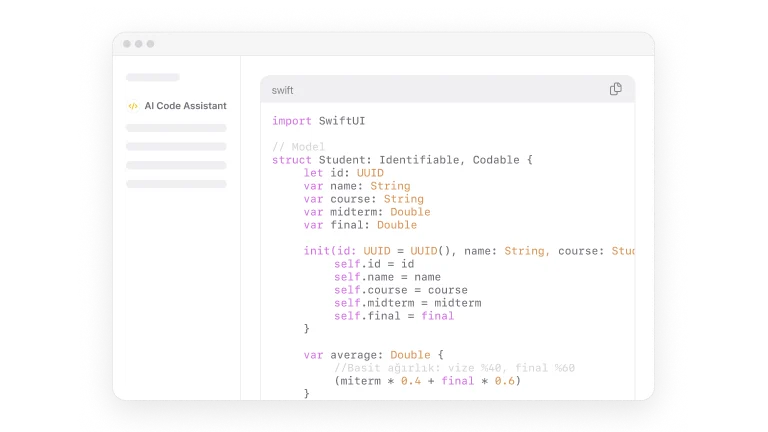
Why AI is Becoming Essential for Modern Coding
AI speeds up routine tasks and cuts down manual effort. Large language models and specialized assistants give on-the-spot suggestions, generate boilerplate, and propose refactors. Today, developers have access to a diverse ecosystem of high-performance models: from the advanced reasoning of Claude 4.5 Sonnet and DeepSeek-V3.1 to the multimodal power of Gemini 3 Flash.
Integrated tools in IDEs and cloud platforms let teams automate tests, run static analysis, and surface likely bugs earlier. These changes help both beginners and experienced engineers by improving accuracy, shortening development cycles, and matching broader trends in automation and smarter development environments.
How Developers Use AI in Their Daily Workflow
Developers use AI across many everyday tasks:
- Generating code snippets and prototypes from natural-language prompts using models like OpenAI’s GPT-5.2, speeding initial implementation for new features.
- Debugging by summarizing stack traces, suggesting probable fixes, and pointing to relevant docs or test cases.
- Refactoring existing code to improve readability and reduce duplication while preserving behavior.
- Writing and standardizing documentation, function comments, and README files.
- Creating unit tests, integration tests, and example inputs to validate edge cases.
- Learning new languages or frameworks with guided examples and short explanations that translate concepts into practical code.
- Reviewing pull requests with automated suggestions and flagging security or performance concerns as part of code review automation.
These practical examples show how an ai assistant for coding, ai code generator, or ai code helper fits into daily work without replacing human judgment. Teams often combine multiple tools—such as an ai chatbot for coding to ask quick questions, an ai code reviewer to scan PRs, and an ai code checker to run static analysis—so each tool handles distinct tasks.
Real workflow snapshot
A typical workflow might begin with a prompt to an ai code writer using Claude 4.5 to scaffold an API endpoint, followed by tests generated by an ai code generator. An integrated ai code review step runs on the branch, and a developer uses an ai code assistant in the IDE to resolve remaining issues. This sequence reduces time spent on repetitive parts and shifts human focus to architecture and edge-case handling.
Experience the advantages of an advanced AI code writer. Try now!

